
Beispiele
Curated examples are kept stable and indexable for search users.
Editing
Guide with practical examples, clear workflow steps and direct links to the HiDream O1 Image 1.5 generator.
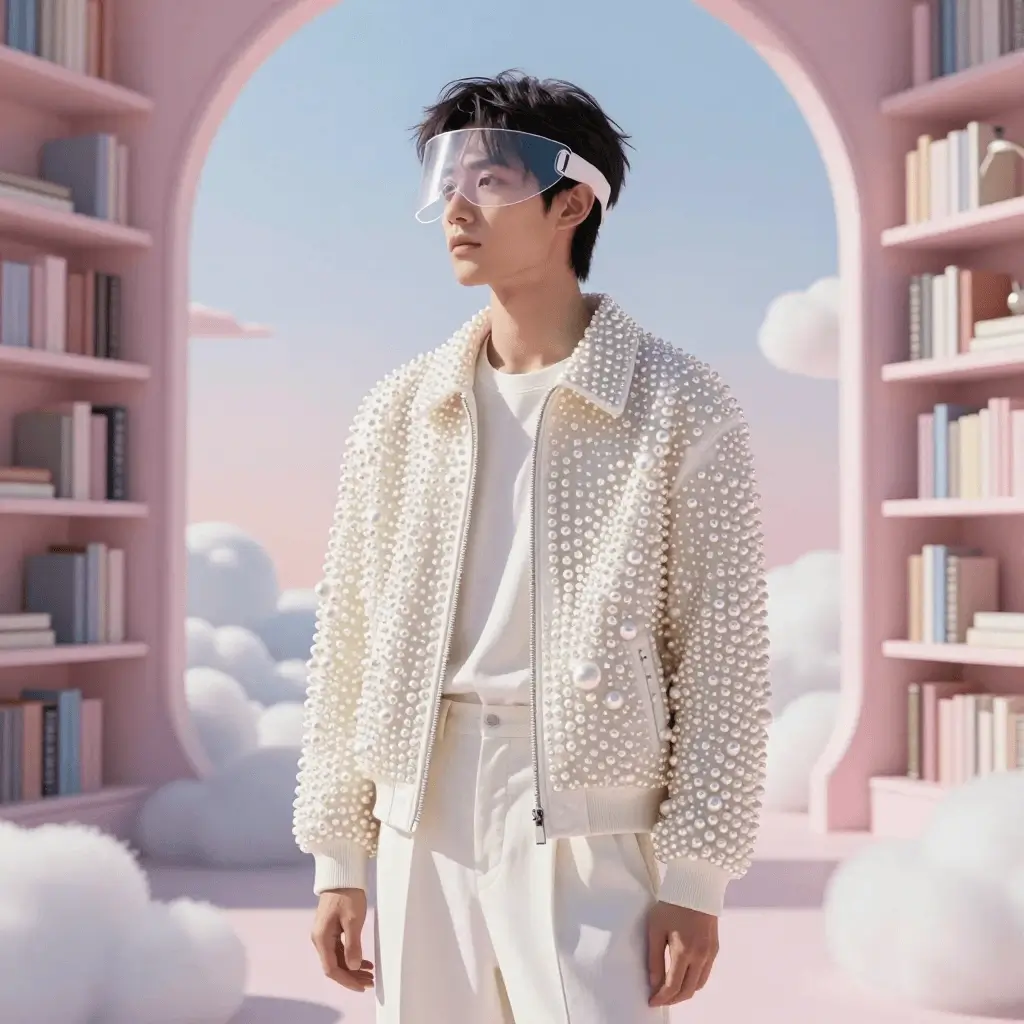
Curated examples are kept stable and indexable for search users.
Move from prompt to generation, review and sharing without extra setup.
The page explains when credits are used and where to continue.
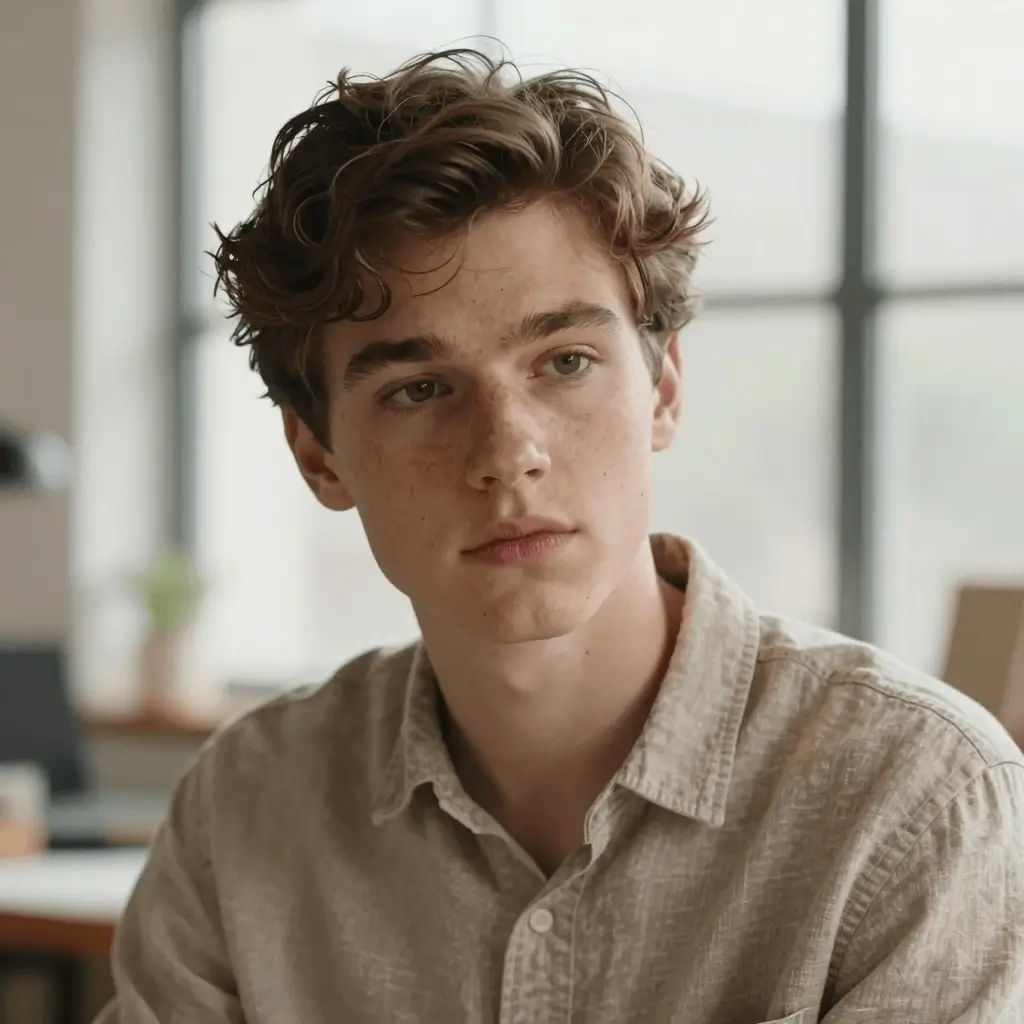
Prompt-faithful detail for characters and mood.
A cinematic portrait of an explorer in a luminous archive, warm window light, detailed fabric, shallow depth of field, realistic skin texture
Generator öffnen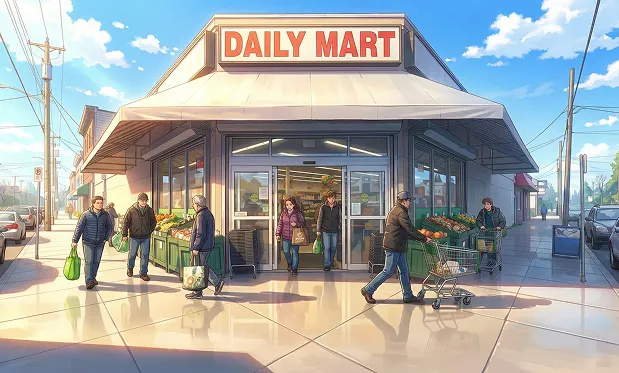
Stylized scene with coherent background detail.
A stylized anime street scene at blue hour, rainy pavement reflections, character looking toward a glowing sign, detailed background, clean line art
Generator öffnenThis page localizes the core workflow while keeping model names, product positioning and generation prompts clear.
Open the generator with a prepared prompt, then refine the result in the workspace.
Choose an example or workflow.
Open the generator with HiDream O1 Image 1.5 selected.
Generate, download or share the result.
Yes. This page is localized and links directly to the HiDream O1 Image 1.5 workspace.
HiDream O1 Image 1.5 generations usually cost 8 credits per image.