Prompt-based edits today
Create a variant by changing only the style, lighting, object or layout instruction.
Editing workflow
hidreamimage.com currently focuses on text-to-image generation. This page explains the practical editing workflow available today and the model capabilities to productize next.
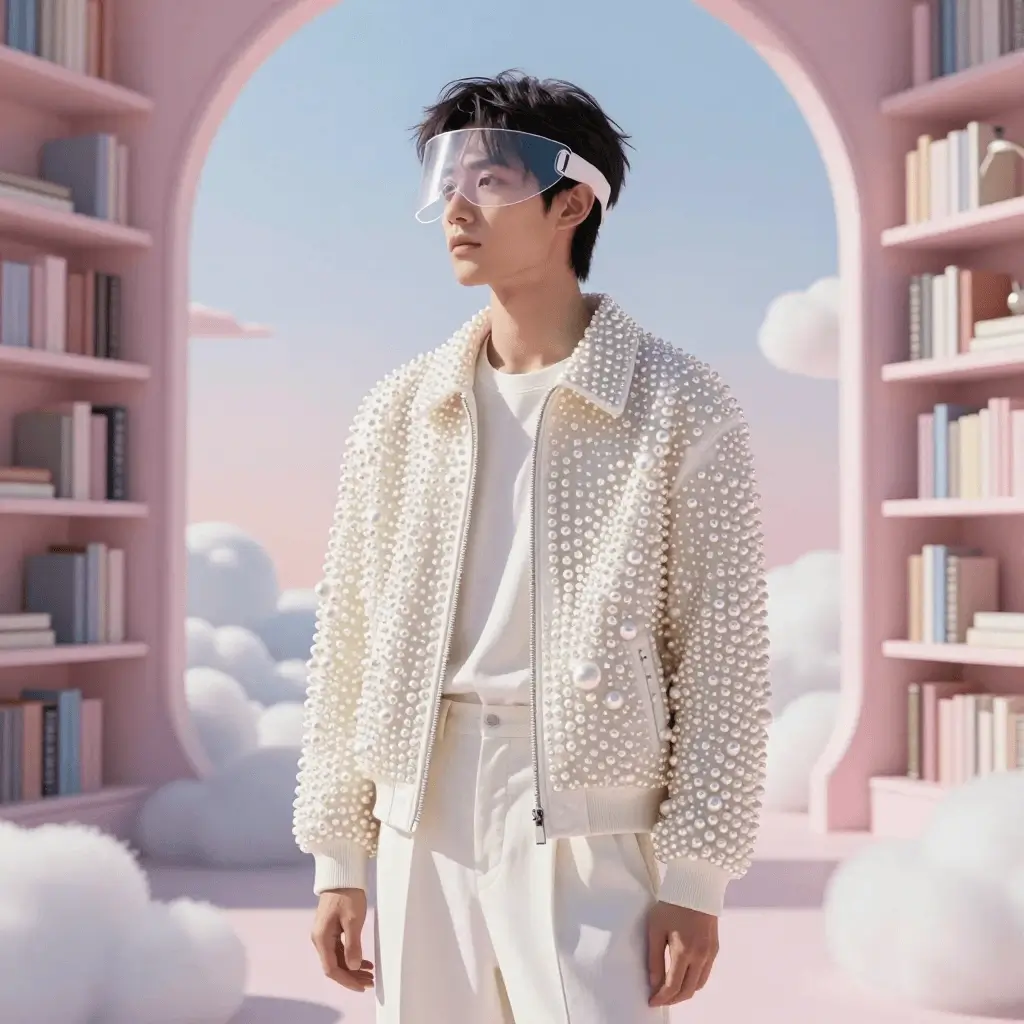
Create a variant by changing only the style, lighting, object or layout instruction.
Use history and preview actions to compare, copy and share generated image URLs.
Official model materials include editing capability; product support should be shipped only after the site exposes that workflow.
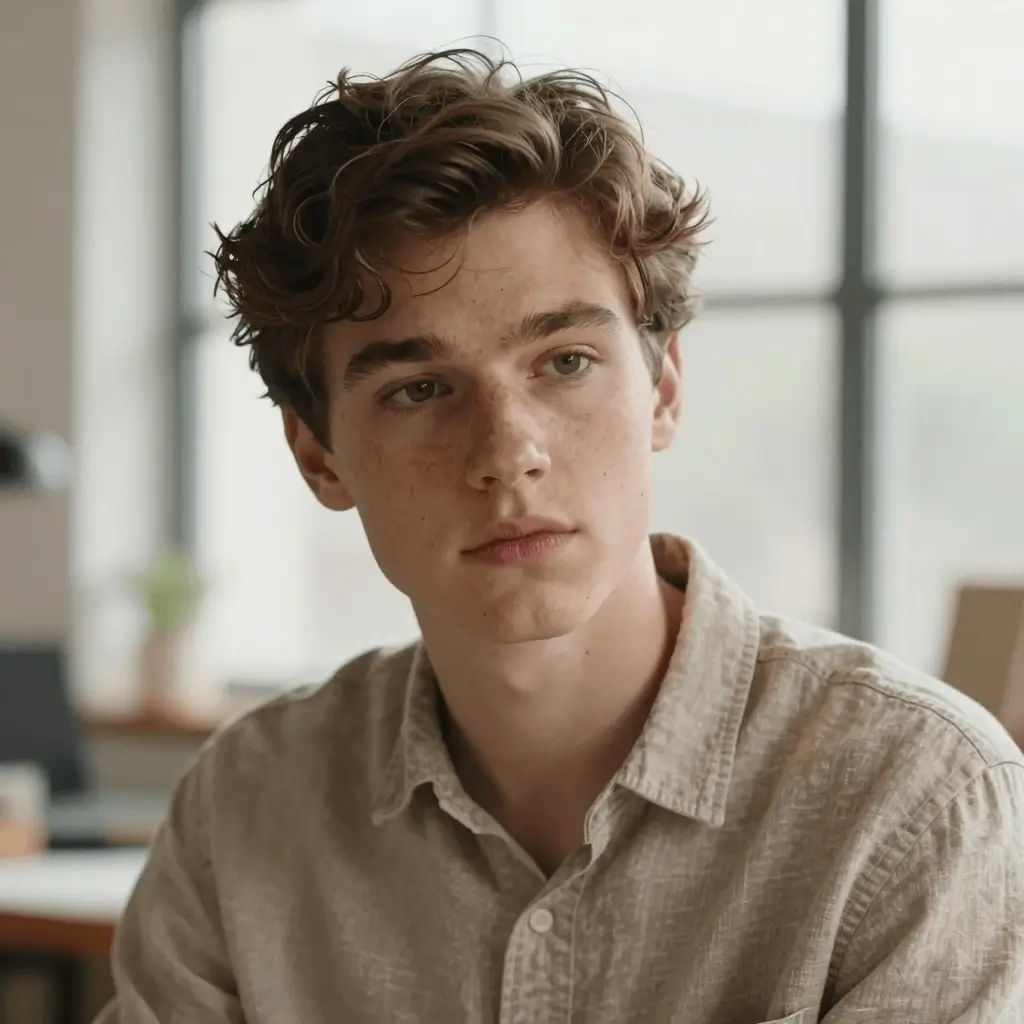
Prompt-faithful detail for characters and mood.
A cinematic portrait of an explorer in a luminous archive, warm window light, detailed fabric, shallow depth of field, realistic skin texture
Start a variant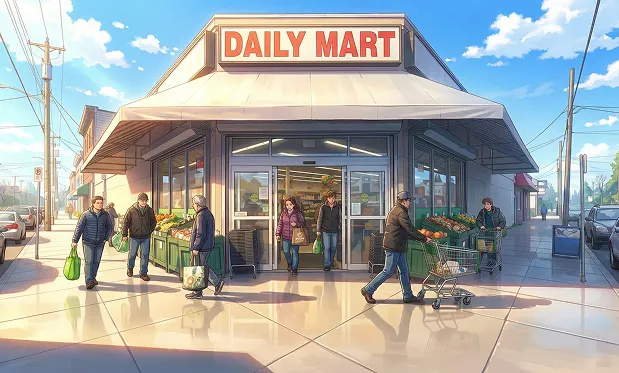
Stylized scene with coherent background detail.
A stylized anime street scene at blue hour, rainy pavement reflections, character looking toward a glowing sign, detailed background, clean line art
Start a variantText-to-image generation, variants, downloads, copy URL and native share actions are available in the workspace.
A true editing workflow should accept an image, preserve subject identity, expose mask or instruction controls, and save a public result page.
Create the first image from a clear prompt.
Alter lighting, background or style while keeping the subject consistent.
Use preview or history actions to copy, download or share the final URL.
The current public workflow is focused on text-to-image generation and variants. Full image editing should be added as a separate product workflow.
It captures search intent while clearly separating current site features from model roadmap capabilities.