Model
HiDream O1 Image 1.5
A focused online experience for the HiDream O1 Image 1.5 model, tuned for detailed, prompt-faithful AI image generation.
HiDream O1 Image 1.5 online
HiDream O1 Image 1.5 is a next-generation text-to-image model tuned for sharp detail and strict prompt fidelity. Run HiDream O1 Image 1.5 in your browser — no local GPU, no setup, just one focused online studio.
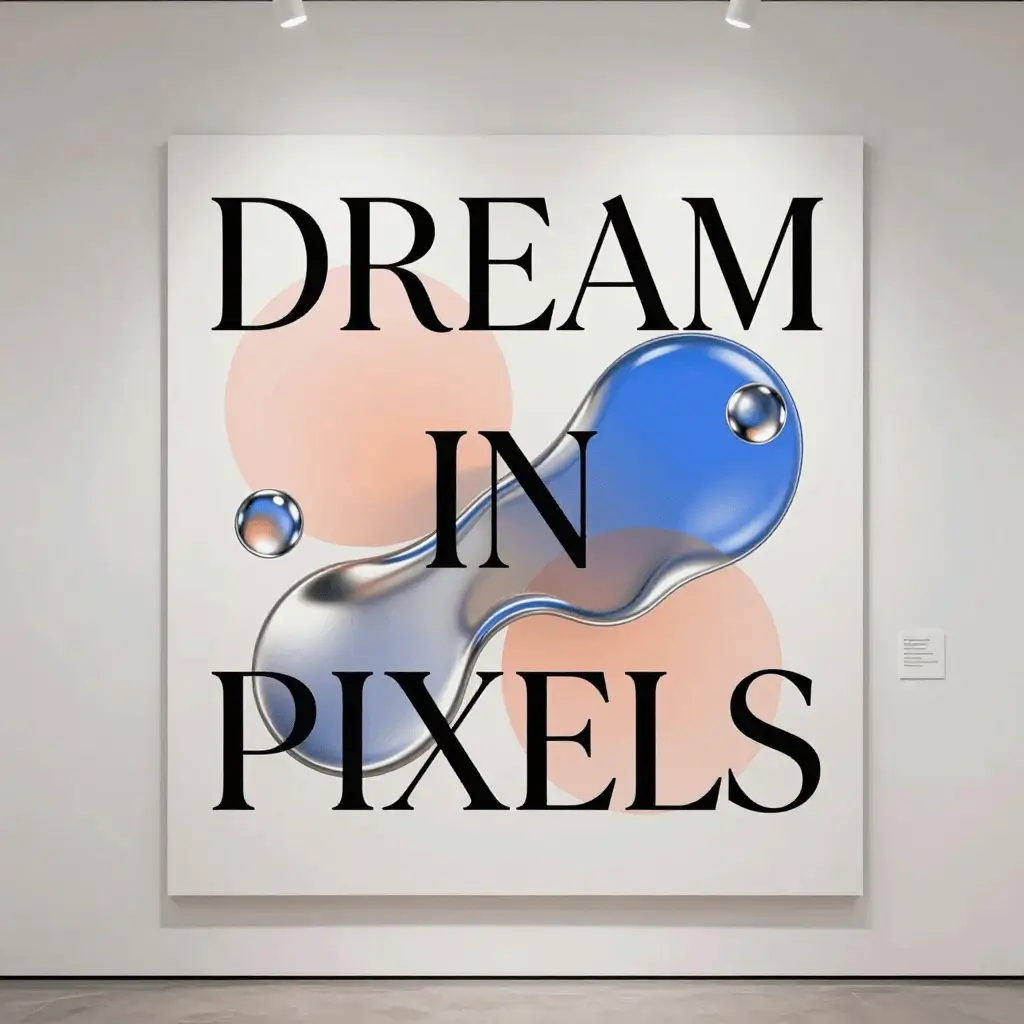
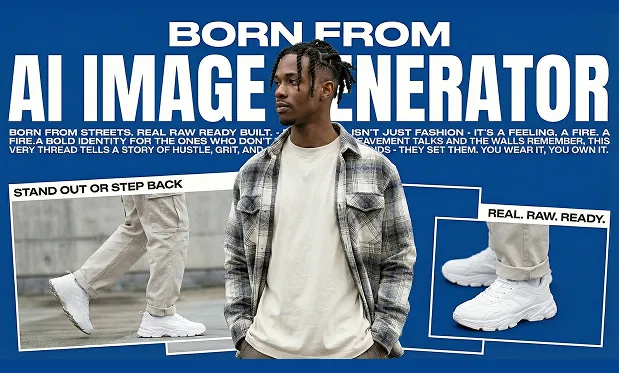
Meet the model
HiDream O1 Image 1.5 is the 1.5 release of the HiDream O1 image model family, tuned for sharper detail, stronger prompt adherence and more reliable text rendering. hidreamimage.com gives you a focused online studio for HiDream O1 Image 1.5 — no local GPU or installation required.
Why this model
Model
A focused online experience for the HiDream O1 Image 1.5 model, tuned for detailed, prompt-faithful AI image generation.
Detail
Crisp edges, natural tones and coherent lighting at every supported aspect ratio.
Control
Adjust inference steps, guidance scale, negative prompts and output format without leaving the flow.
Ratios
Generate square, portrait and landscape images — 1:1, 3:4, 4:3, 9:16 and 16:9 — ready for social, web and print drafts from HiDream O1 Image 1.5.
Speed
Queue a generation, watch live progress and refine your prompt in seconds.
Workflow
Create, compare and download HiDream O1 Image 1.5 results from the same focused workspace, with history saved to your account.
Prompt examples
Use these curated prompts as launch points for posters, product shots, portraits and illustrated scenes. Each card opens the generator with the prompt ready to run.
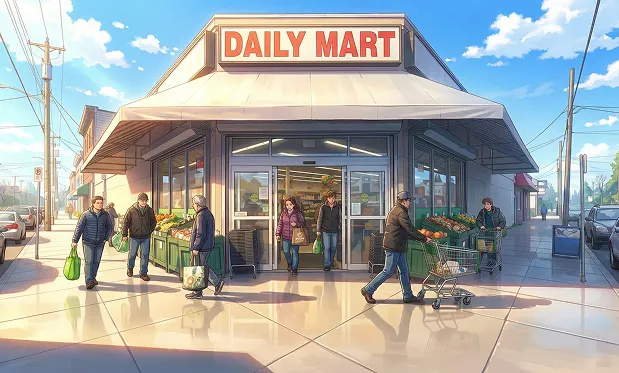
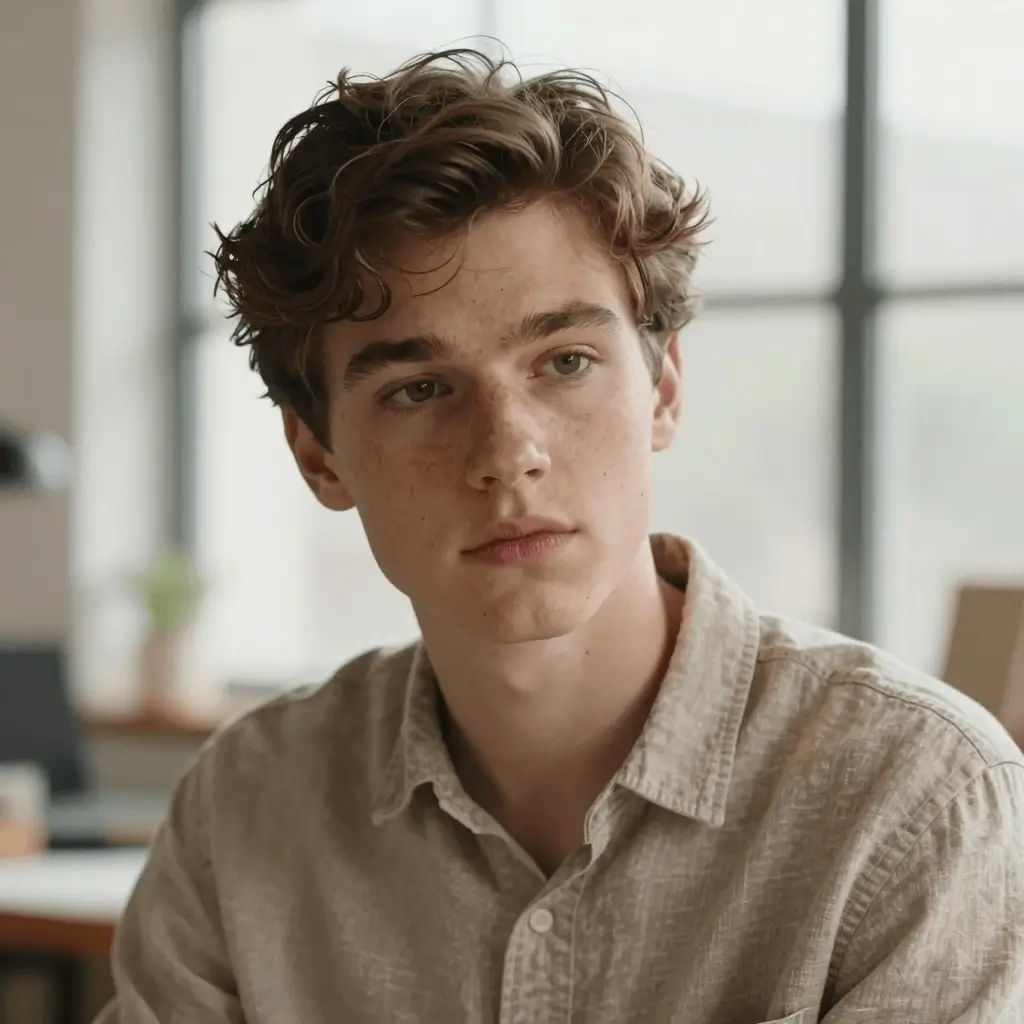
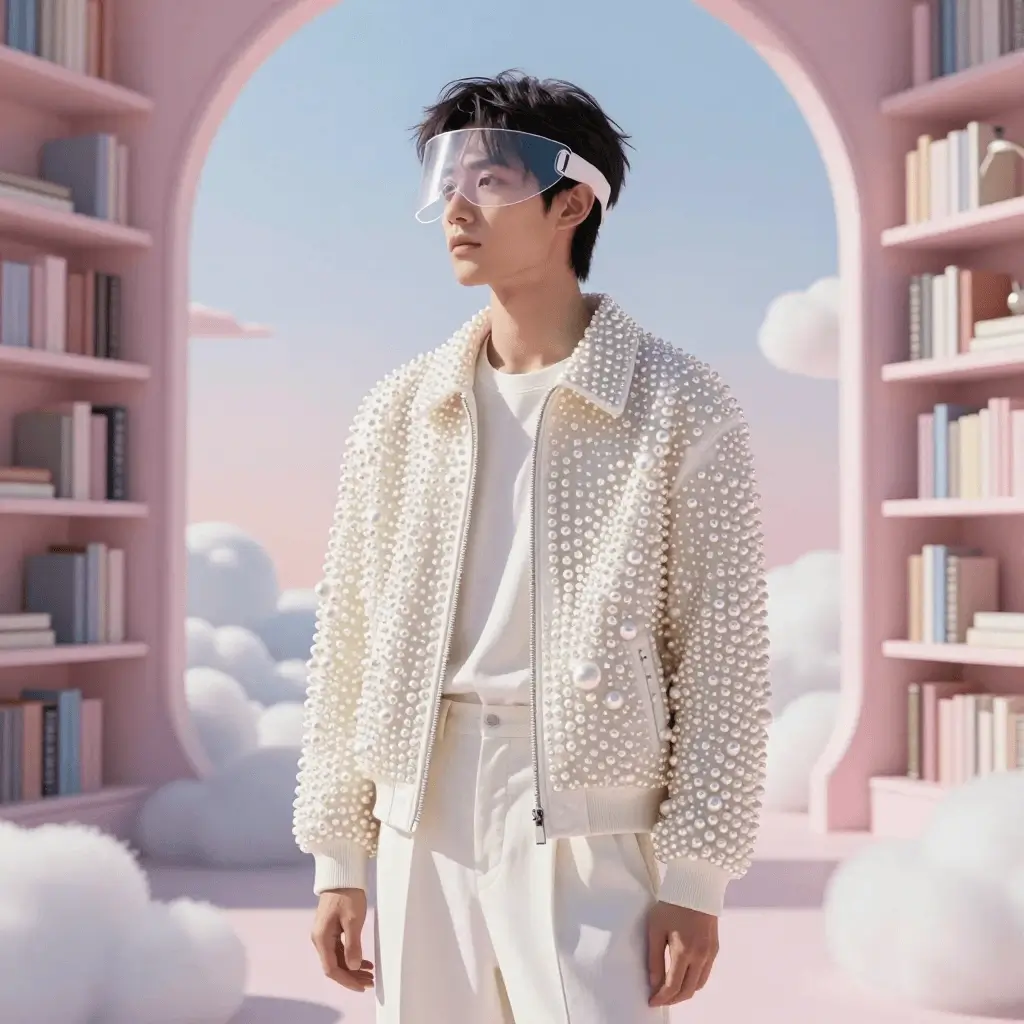
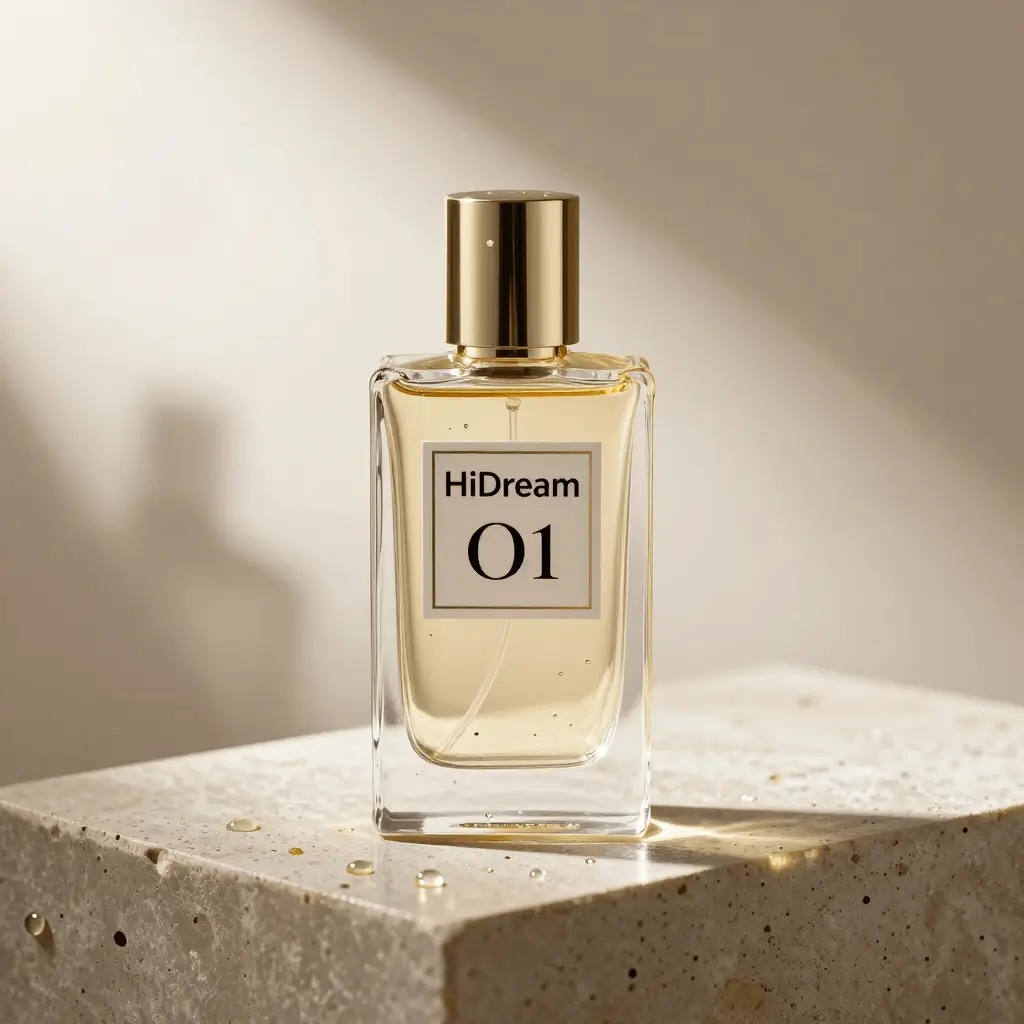
Sample images generated with HiDream O1 Image 1.5.
Three simple steps
Write a prompt with subject, style, lighting and mood. HiDream O1 Image 1.5 handles long, structured descriptions well.
Pick an aspect ratio, adjust steps and guidance scale, and add a negative prompt to exclude unwanted details.
Run HiDream O1 Image 1.5, preview results in seconds and download your favorites as JPEG or PNG.
Need more details? Read the documentation or check pricing and credits before you start.
FAQ
HiDream O1 Image 1.5 is a text-to-image AI model — the 1.5 generation of the HiDream O1 image family — focused on sharper detail, better prompt adherence and more reliable text rendering. You can use it online at hidreamimage.com without any setup.
Open the generator, type a prompt, choose an aspect ratio and click Generate. HiDream O1 Image 1.5 runs in the browser, so no GPU or installation is needed.
You can sign in and start generating with introductory credits. After that, flexible credit packs and subscription plans are available on the pricing page.
HiDream O1 Image 1.5 supports 1:1, 3:4, 4:3, 9:16 and 16:9 aspect ratios, plus adjustable inference steps, guidance scale, negative prompts and JPEG or PNG output.
Yes. Images you generate with HiDream O1 Image 1.5 can be used in commercial projects, subject to our terms of service and content policy.
The 1.5 release improves fine detail, composition stability and prompt fidelity over earlier HiDream O1 image versions, while keeping fast online generation speeds.
Ready to create?
Run HiDream O1 Image 1.5 directly in the browser. Generate, review and download images from one clean workspace on any device.