
Readable short text
Keep headline text short, quoted and separated from style directions.
Text rendering
Use structured prompts for posters, labels, covers and banner concepts where text placement matters.
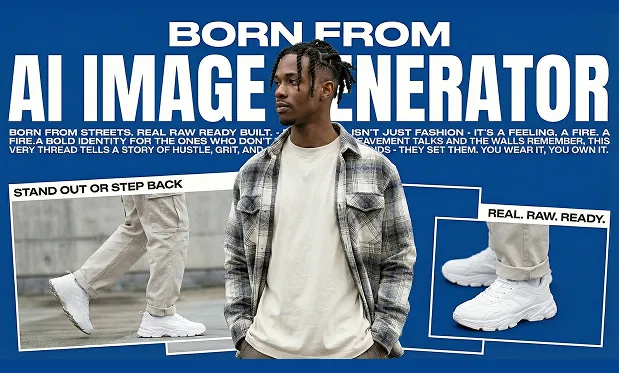
Keep headline text short, quoted and separated from style directions.
Describe where the text sits before adding lighting and effects.
Use fixed ratios and regenerate variants until typography is clean.
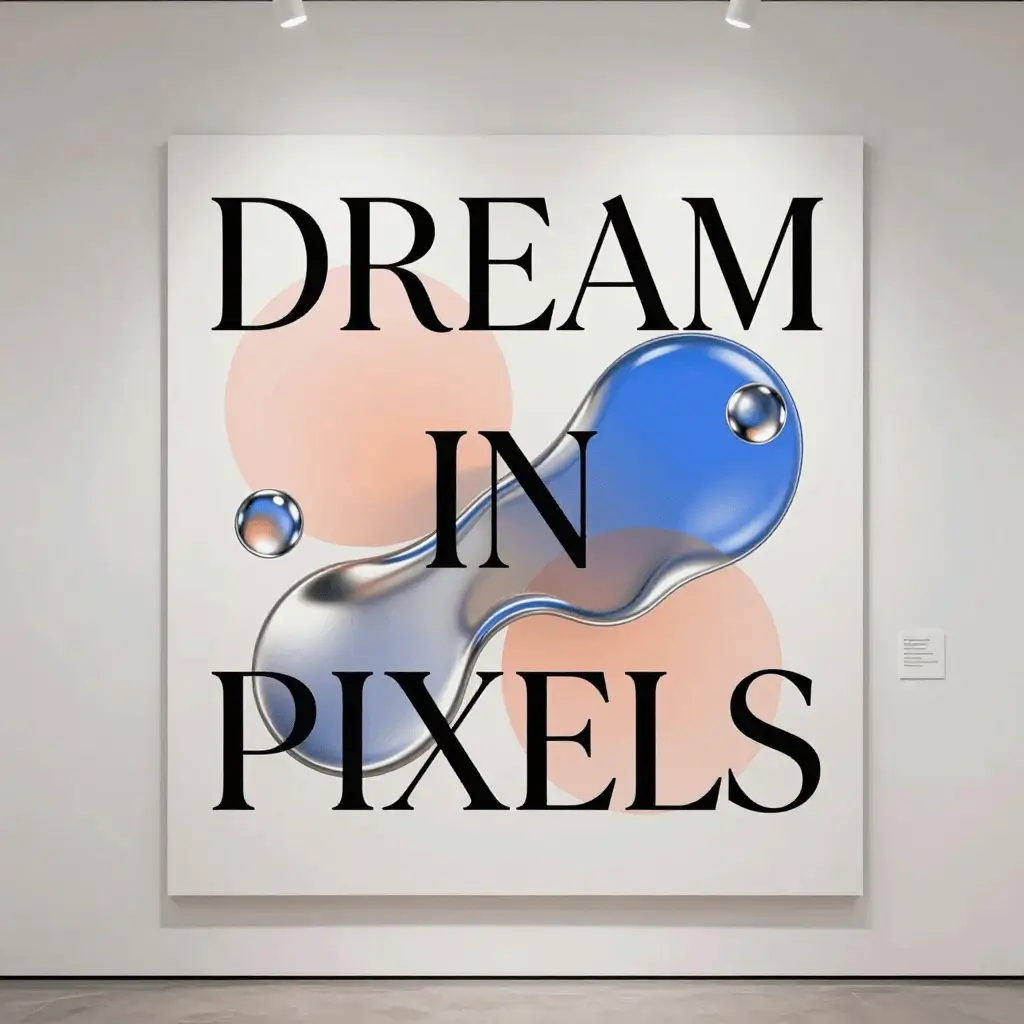
Readable headline text and layered layout.
A premium sci-fi exhibition poster with the headline "DREAM IN PIXELS", layered glass typography, neon cyan rim light, black background, crisp readable text, editorial layout
Generate text visualWrite the exact headline in quotes, define its position, then add typography style, background and lighting.
Posters, product labels, cover concepts and social banners are strong starting points for text-aware generation.
Use a short exact headline such as "DREAM IN PIXELS".
Specify center, top, label area or split composition.
Check readability before downloading or sharing the result.
Use short text for best reliability. Long paragraphs usually need multiple iterations.
4:3 and 3:4 are strong for poster drafts; 16:9 works better for banners.